Contactum is a WordPress form builder plugin that lets you create, manage, and track contact forms directly from your WordPress admin dashboard. This overview walks through each of the main admin screens.
Forms #
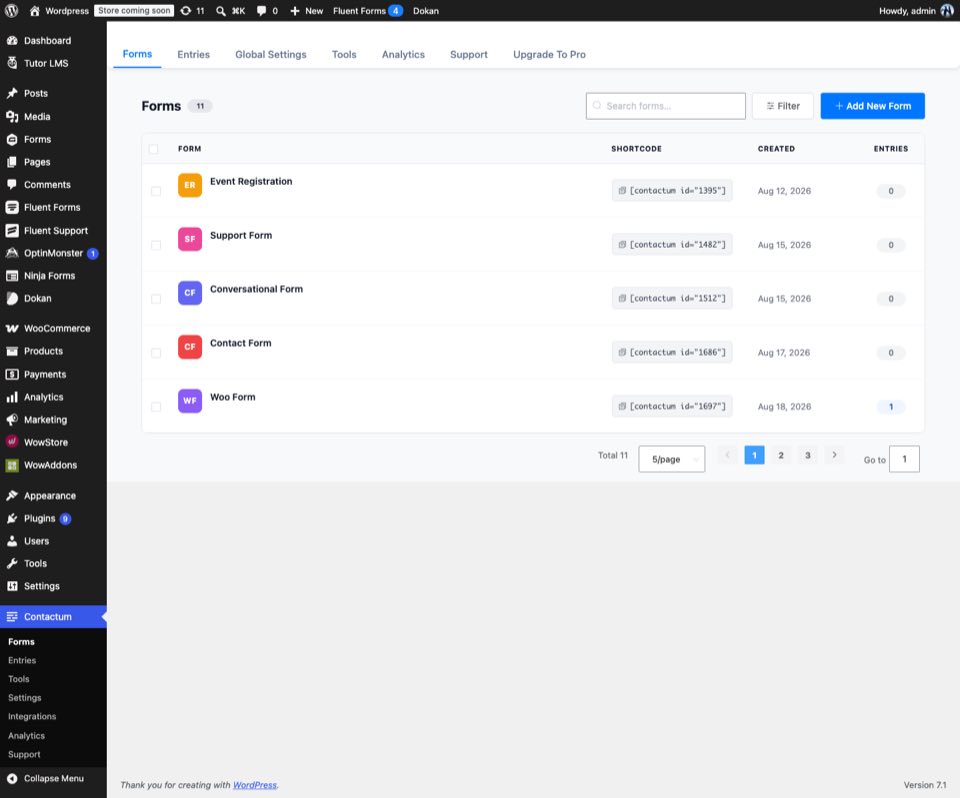
The Forms screen is where you land when you open Contactum. It lists every form you’ve created, along with its shortcode, creation date, and entry count. Use Add New Form to create a form, or search and filter the list to find an existing one.
Entries #
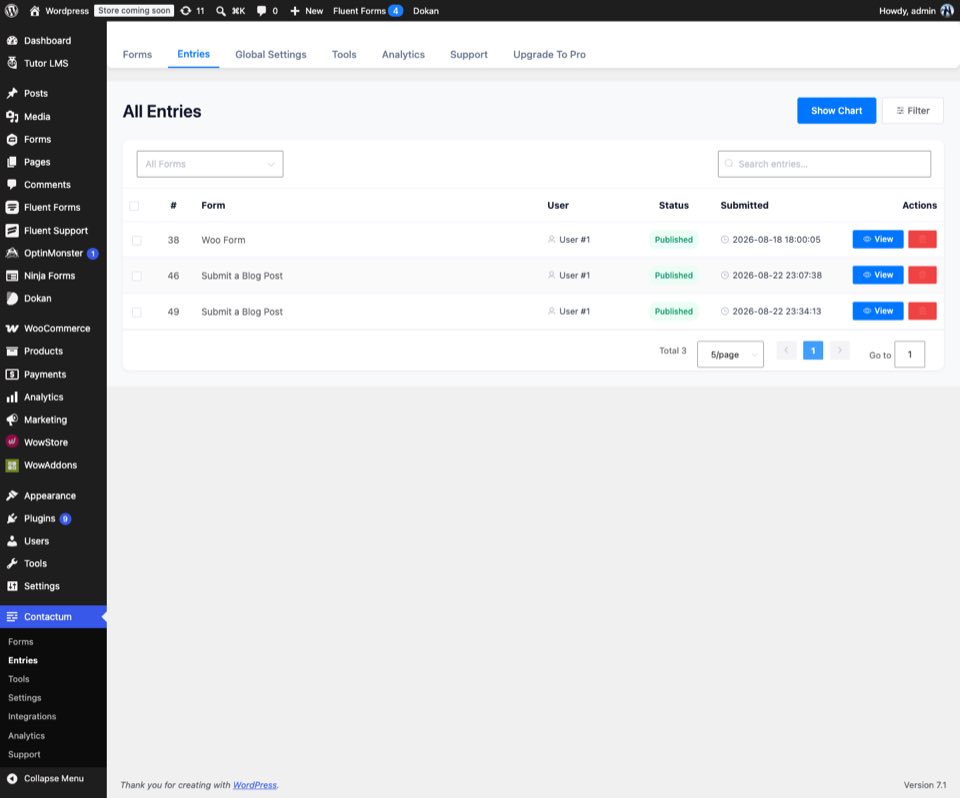
The Entries screen shows every submission across all your forms in one place. Each row shows the form it came from, the submitting user, its status, and the submission date. You can filter by form, search entries, view chart-based summaries, or drill into an individual entry.
Tools #
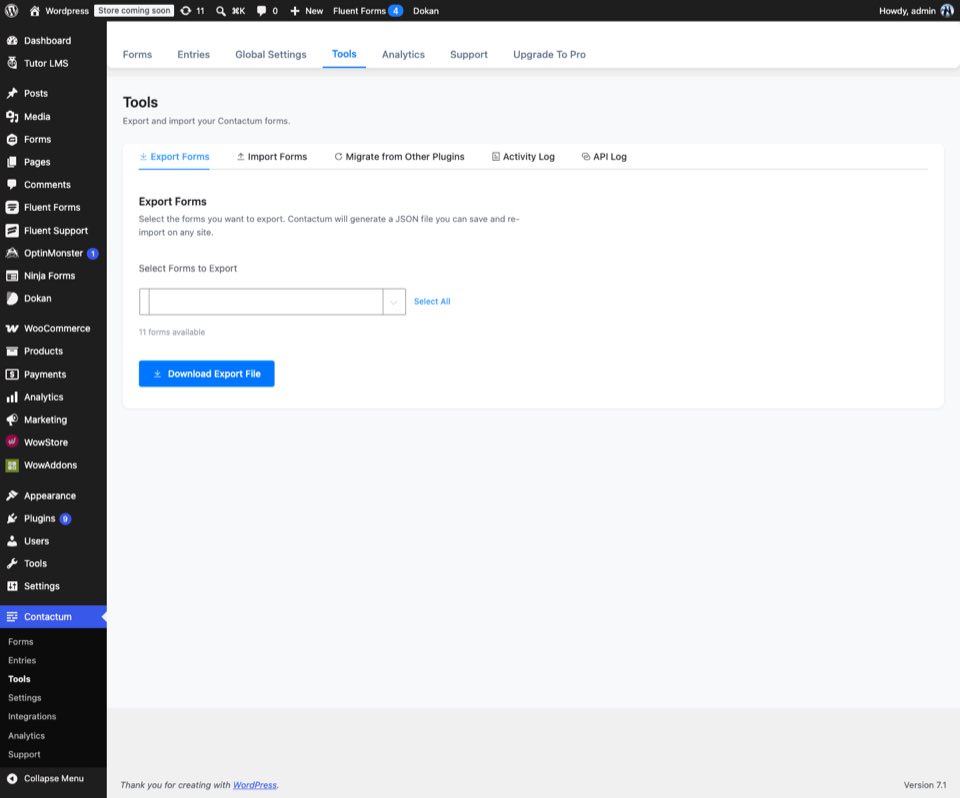
The Tools screen covers form data management: export forms to a JSON file, import previously exported forms, migrate forms over from other plugins, and review the activity log and API log.
Settings #
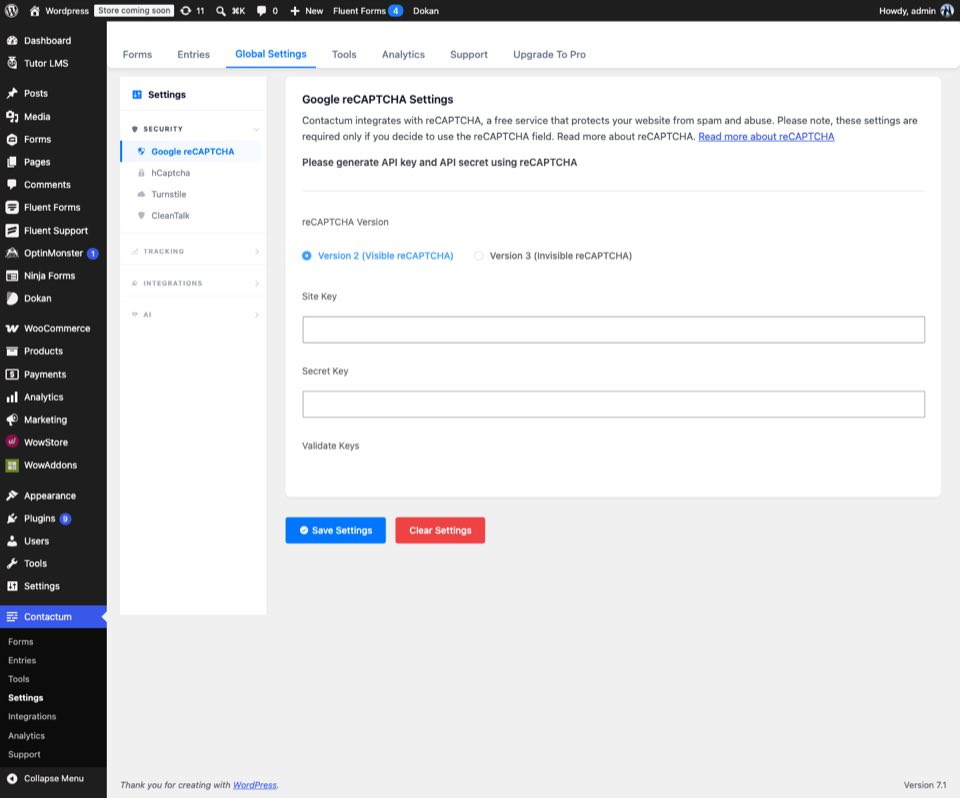
The Settings screen holds your global configuration, including reCAPTCHA and other site-wide options that apply across all forms.
Integrations #
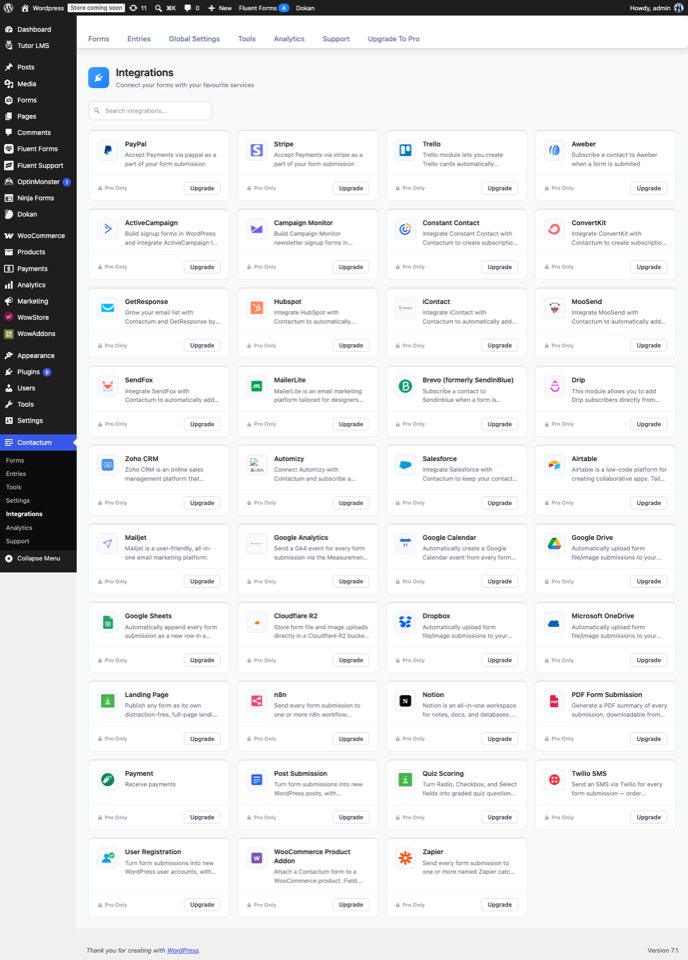
The Integrations screen lists the third-party services Contactum can connect to, so form submissions can be sent to the tools you already use.
Analytics #
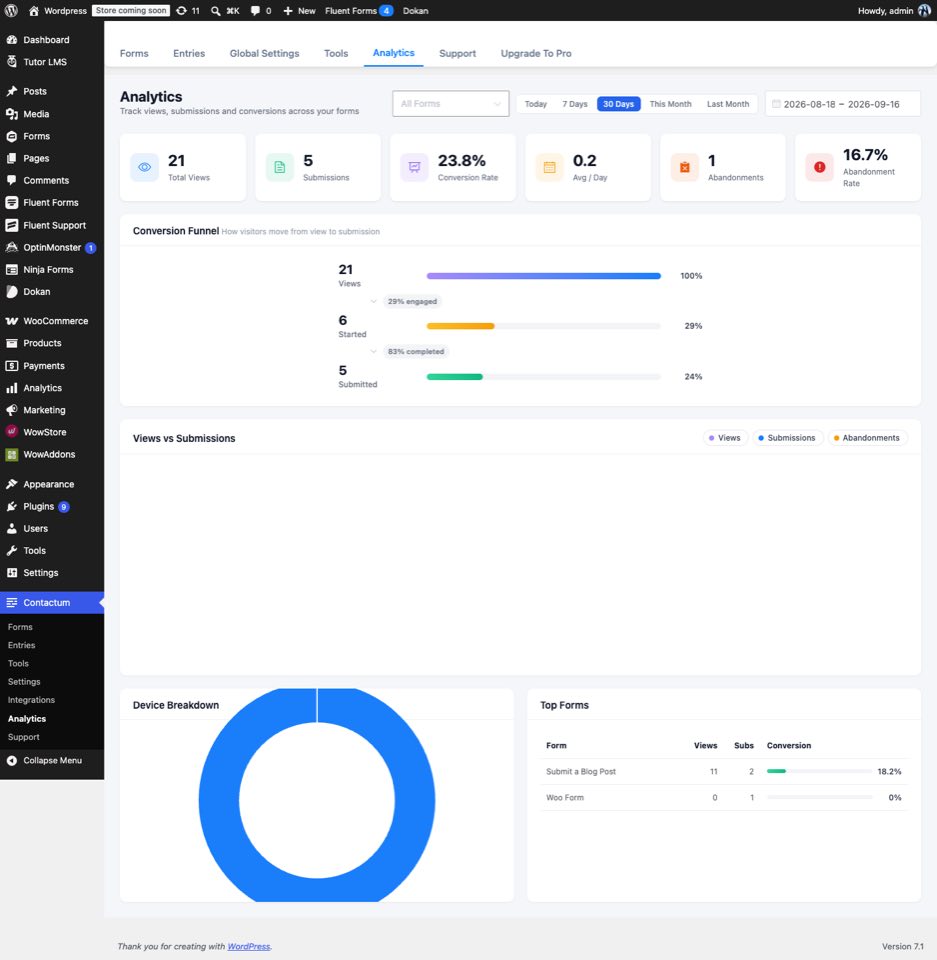
The Analytics screen gives you performance metrics for your forms, helping you understand submission trends over time.
Support #
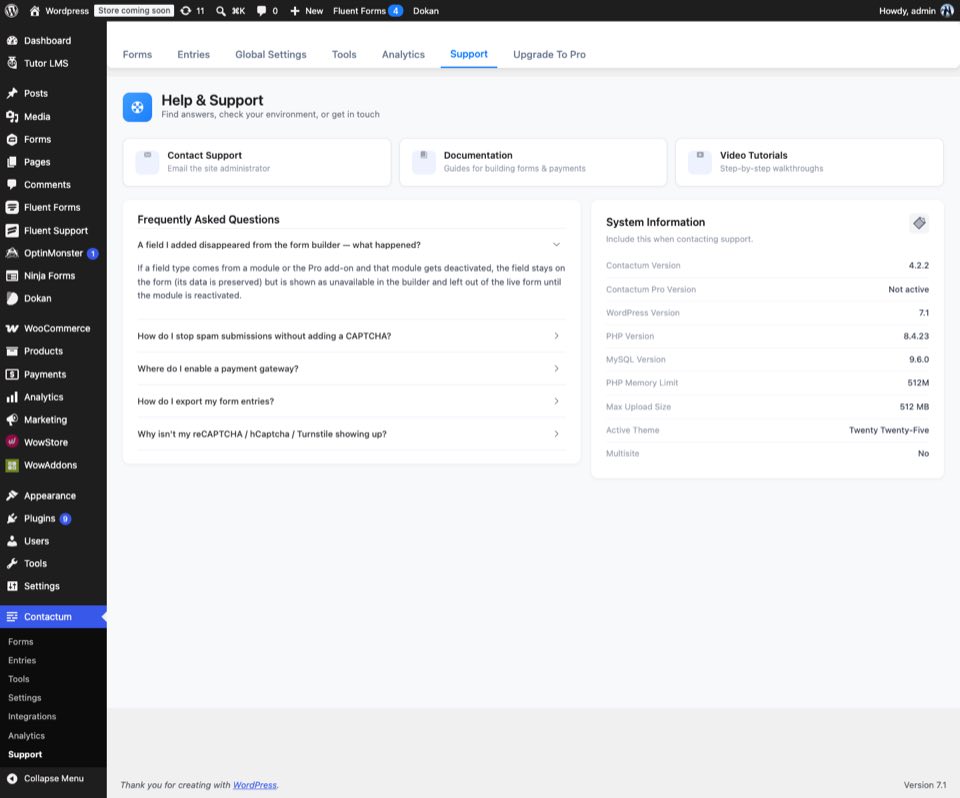
The Support screen provides quick access to help resources if you run into an issue or have a question while using Contactum.