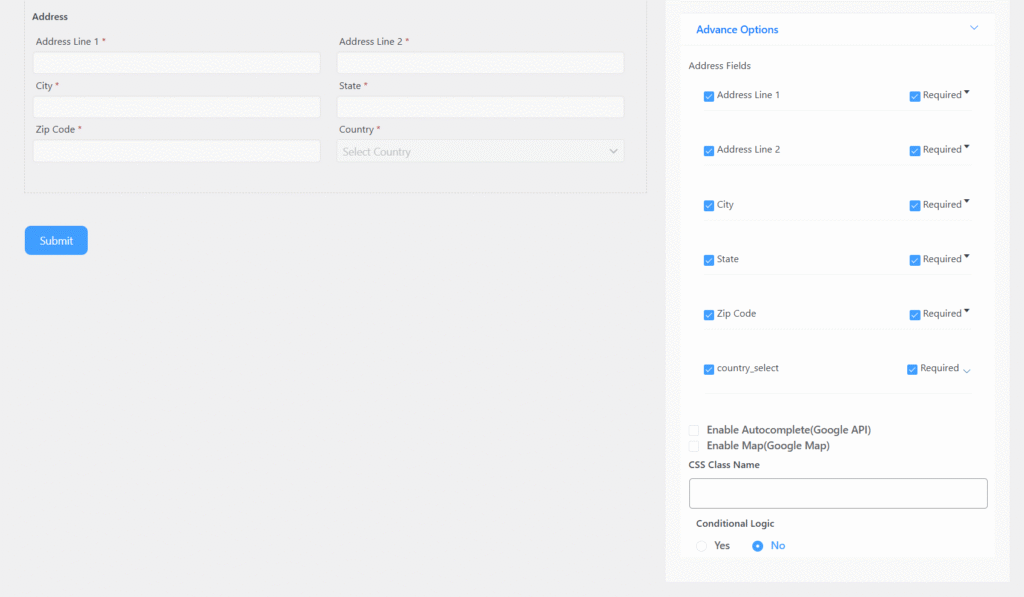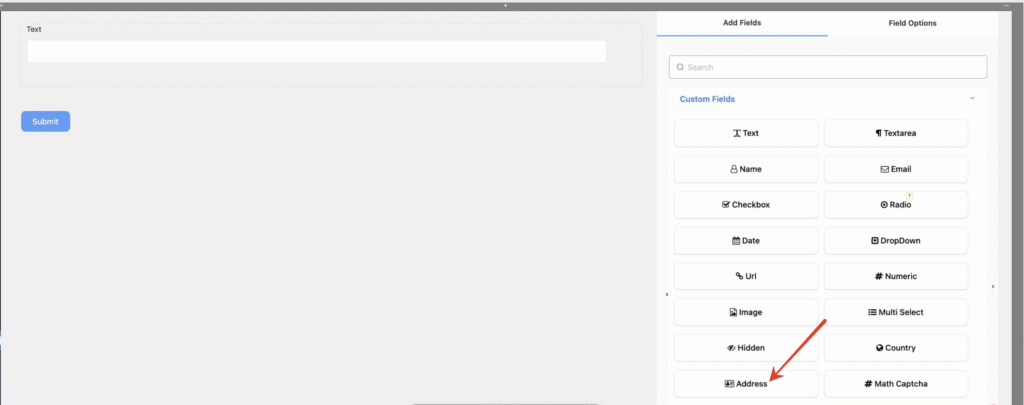
Address Field includes the following options:
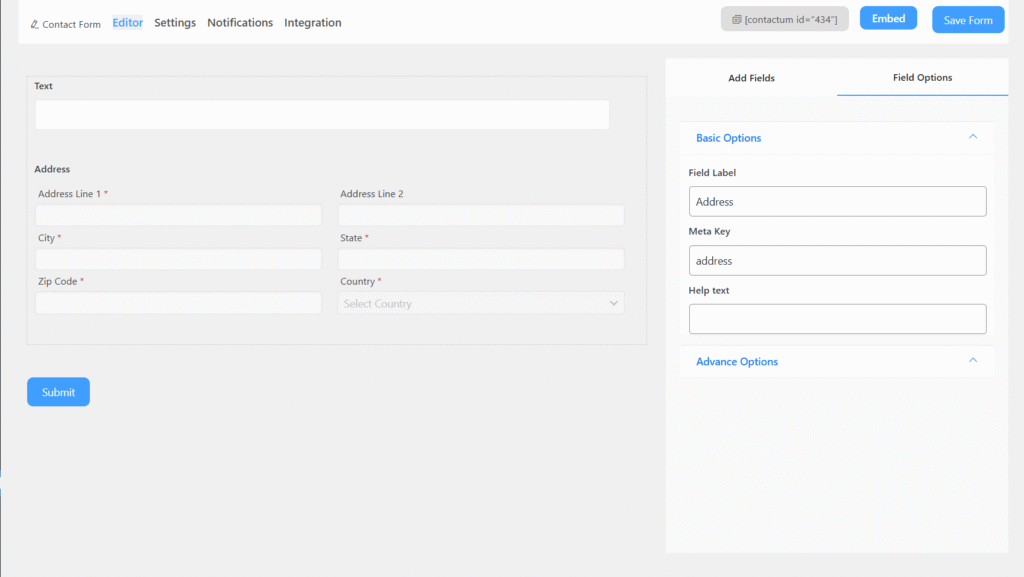
- Field Label: Defines the purpose of the field.
- Meta Key: Automatically created when you edit the label, but it can still be modified manually.
- Help Text: Provides guidance on what the user should enter in the field.
- Required: Specifies whether the field is mandatory or optional. If enabled, an asterisk (*) will appear next to the field label.
Advanced Options
You can access the advanced options located just below the “Required” setting of the Address Field.
The advanced options include:
CSS Class Name: Allows you to assign a custom CSS class for styling the field.
Address Fields: Select the fields you want to display to the user. Deselecting will hide them.”
Address Fields: You can check what field you want to show to the user. Unchecking will remove that field.
Country Options
Customize how countries appear in the dropdown. You can choose only one of the following options:
- Show All: Displays the full list of countries. (Default option)
- Hide These: Excludes specific countries from the list. Multiple countries can be hidden at once.
- Only Show These: Displays only the countries you select, hiding all others.