
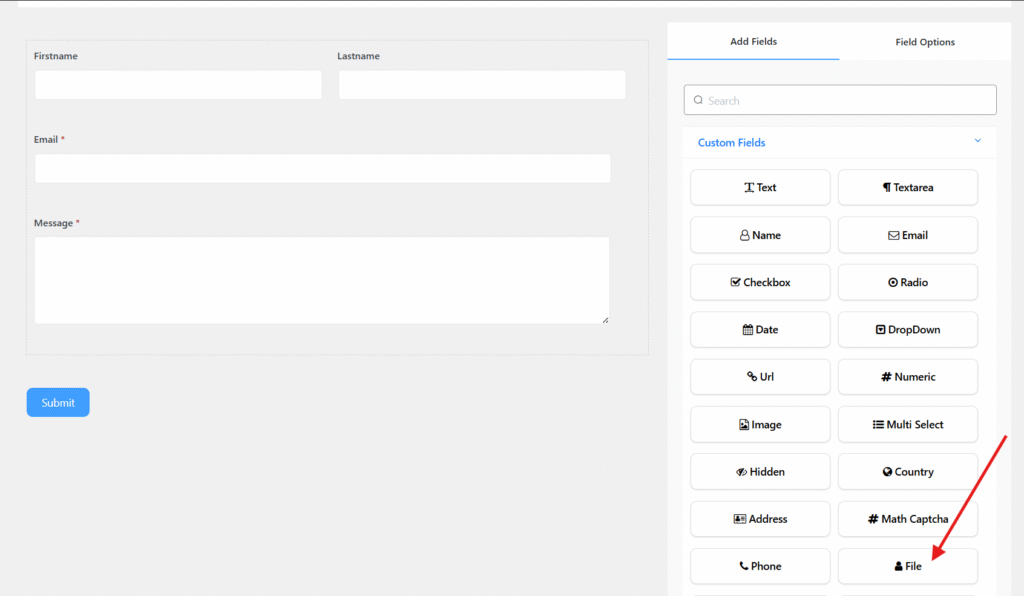
File Upload Field includes the following options:
- Field Label: Defines the purpose of the field.
- Meta Key: Automatically created when you edit the label, but it can still be modified manually.
- Help Text: Provides guidance on what the user should enter in the field.
- Required: Specifies whether the field is mandatory or optional. If enabled, an asterisk (*) will appear next to the field label.
Advanced Options
You can access the advanced options located just below the “Required” setting of the File Upload Field.
The advanced options include:
- Max file size: It allows you to set the uploaded file size limit in KB. (please note this may be overruled by your hosting provider’s rules)
- Max files: It lets you set the number of files that can be uploaded for a user.
- CSS Class Name: It lets you provide a container class name in the field.
- Allowed Files: This option lets you select the type of files that you would allow any user to upload with the form.


